
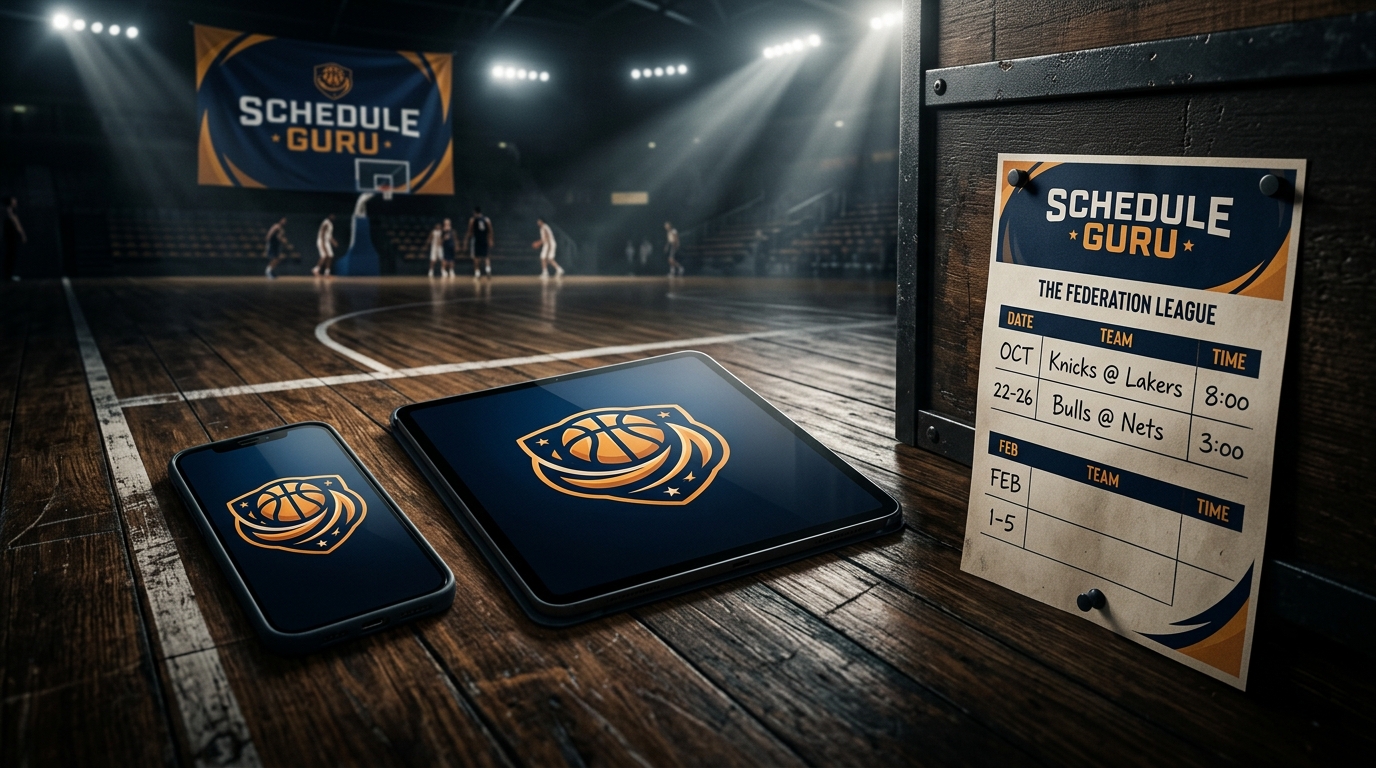
One Logo, Everywhere: Federation Branding on Every Shared Surface
Upload your league or federation logo once in Settings — and watch it auto-appear on every shared schedule, public team page, player card, and box-score graphic you generate.
Set it once, brand everywhere
Federations and leagues lose a lot of branding equity when the official logo only lives on a website header. Every social share, every printed sheet, every player card — they're all opportunities. We made that automatic.
How to set it up
- Settings → Organization → click the logo thumbnail next to your org name
- Upload a square PNG or JPG (under 2 MB)
- Done — the logo is now stamped into:
- Every public Shared Schedule hero
- Every Public Leaderboard hero
- Every Public Team Detail page
- Every Player Career Stat Sheet PNG (top-right co-brand)
- Every 1080×1080 promo image and 1200×630 OG card
- Every Game Recap PNG generated from the post-game summary
Why it matters
When a parent shares a player card to Instagram, your federation logo rides along. When a coach shares a box-score graphic to a WhatsApp group, your crest sits in the top-right corner. When a fan tweets a schedule link, the OpenGraph preview shows your branding next to the matchup. Every share doubles as marketing.
START BUILDING YOUR TOURNAMENT SCHEDULE
Free for up to 8 teams. No credit card. Public share URL + PDF, Excel, and iCal exports included.
Schedule Guru Team
Helping sports organizers create better tournaments with our free round robin schedule generator.