
How to Export Tournament Schedules: PDF, Excel, iCal Best Practices
A practical guide to exporting tournament schedules — when to use PDF, when to use Excel, and why iCal is the most under-rated export format.
Building the schedule is half the work. Getting it into the hands of players, coaches, parents, and venue staff in a format they'll actually use is the other half. This guide covers when each export format earns its keep.
PDF: the gym wall format
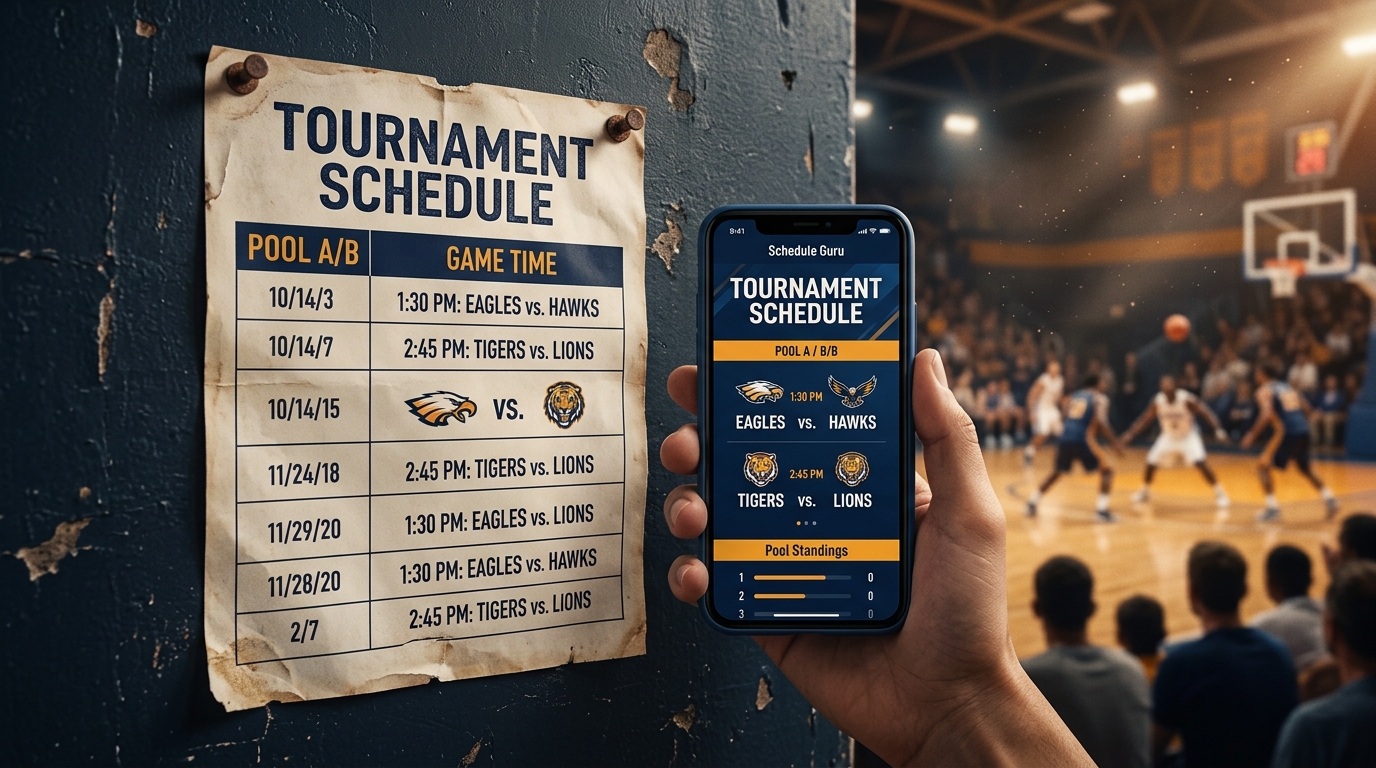
PDFs are for one thing: posting at the venue. A single-page printed schedule on the gym wall, taped to the front desk, handed to the score table — that's the role.
What makes a good schedule PDF:
- Fits a single page (landscape for 8+ teams)
- Clean tabular layout — date, time, court, home, away, result space
- League logo at the top — brands the document for federation use
- Version number or "as of" date so old prints can be retired
Excel: the customization format
Excel is for downstream work — modifying the schedule, adding notes, computing custom statistics, sharing with a treasurer or operations partner. The trap: Excel feels like the "default" export because everyone has Excel, but it's the worst format for distribution. Don't send a coach an Excel file when a PDF or a public URL would serve them better.
iCal: the most under-rated export
iCal is a calendar subscription format. When a player subscribes to your league's iCal URL, every game appears in their phone's native calendar — Apple Calendar, Google Calendar, Outlook. When the schedule changes, the calendar updates automatically.
This is huge. iCal subscriptions are the closest thing to a guaranteed-delivery message you have as a league coordinator. Send the iCal URL once on day one, and you'll never have to broadcast a schedule change to that player again.
Public share URL: the never-stale format
The fourth export — and arguably the most important — isn't a file. It's a public web URL where the live schedule renders. Coaches, parents, players bookmark it once and re-open it forever. Schedule changes propagate instantly. No re-broadcasting.
Schedule Guru gives every event a public share URL automatically. Include the URL in your league welcome email and you've eliminated 80% of communication overhead.
The four-export checklist
For any tournament:
- Public URL → bookmark for spectators
- iCal subscription → players add to phone calendar
- PDF → printed for the venue
- Excel → downstream operations only
Start a free schedule — all four exports are included on the Schedule Guru free tier.
FREQUENTLY ASKED QUESTIONS
Should I send the schedule as a PDF or a link?
What is iCal and why does it matter for sports leagues?
START BUILDING YOUR TOURNAMENT SCHEDULE
Free for up to 8 teams. No credit card. Public share URL + PDF, Excel, and iCal exports included.
Schedule Guru Team
Helping sports organizers create better tournaments with our free round robin schedule generator.